Tip: If you're new to digital accessibility as a concept, check out U-M's Introduction to Digital Accessibility for the basics.
The roadmap branches into 9 digital asset pathways that cover major digital asset types as well as purchasing:
- Websites
- Events & Presentations
- Course Content
- Documents & Emails
- Video & Audio
- Images & Complex Visuals
- Desktop & Mobile Applications
- Social Media
- Procurement
Follow the digital asset pathways that cover content relevant to your role at U-M. For example, communications specialists may work with websites, social media, videos, and emails—so four digital asset pathways would apply. Digital asset pathways are cross-linked to ease navigation. For example, instructors following the “Course Content” pathway will also be directed to applicable guidance in the “Documents & Emails” and “Video & Audio” pathways, as these are common formats used for course content.
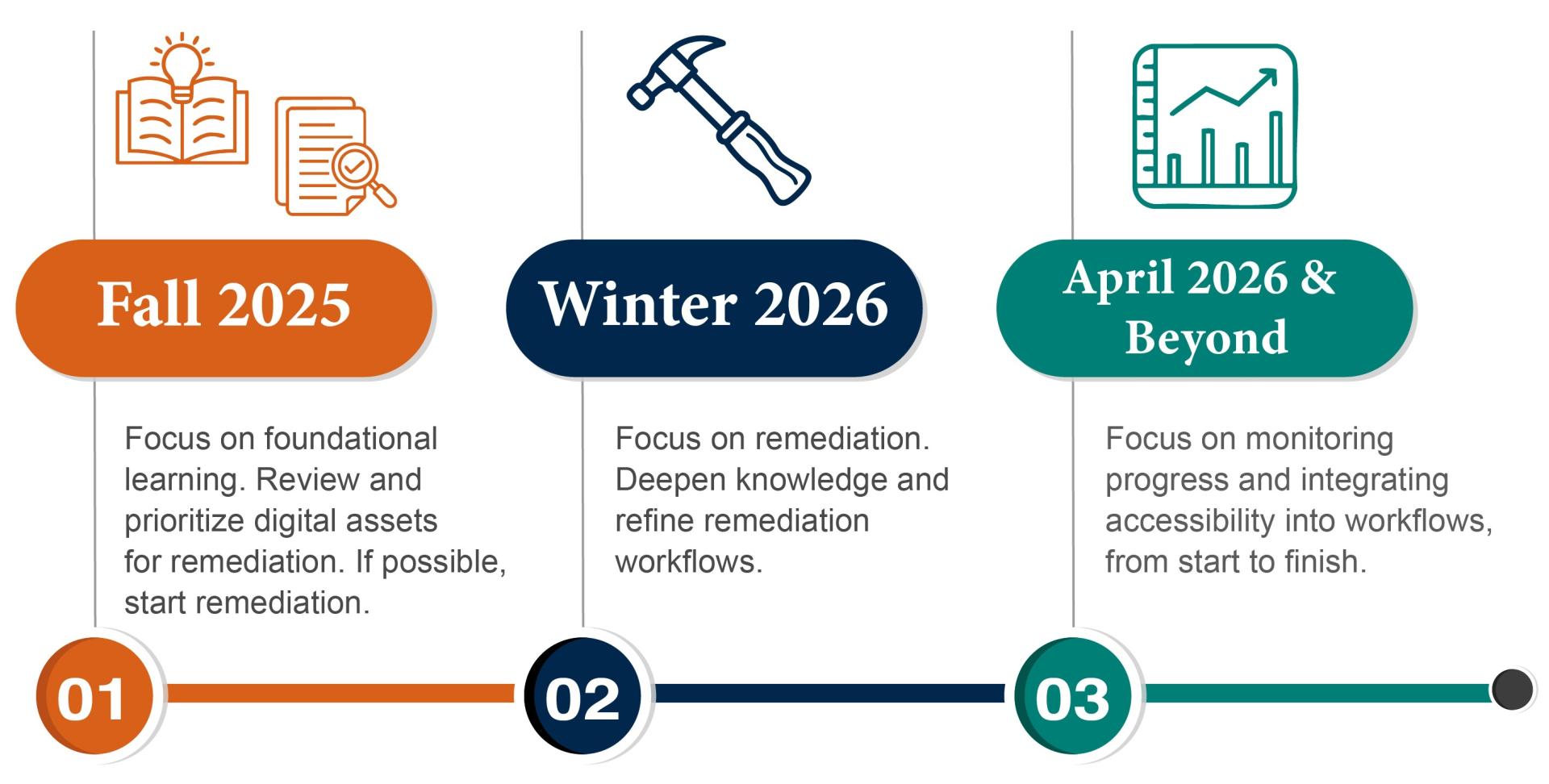
Guidance within each digital asset pathway is broken down into 4 action areas necessary to support digital accessibility compliance. You/your unit may move through these linearly or non-linearly and may be engaged in multiple action areas simultaneously.
| Action Area |
What it covers |
Who it’s for |
| Learn |
Foundational education resources. |
Applicable to anyone whose work intersects with the pathway topic. |
| Review |
Guidance on how to evaluate digital assets for accessibility and strategically respond to inaccessible items. |
Most useful to those leading digital accessibility transformation efforts for a unit or team. |
| Remediate |
Directions for making repairs to inaccessible assets, including links to techniques. |
Important for those who need to directly fix inaccessible assets or work with suppliers to do so. |
| Monitor & Improve |
Advice for sustainably integrating digital accessibility practices into your workflows. |
Helpful to everyone. |
Note: Some linked resources require login via U-M Single Sign-On (SSO).